

7 Game-Changing Tricks to Capture DSLR-Level Shots with Your Phone (Even If Your Lighting Is Terrible)

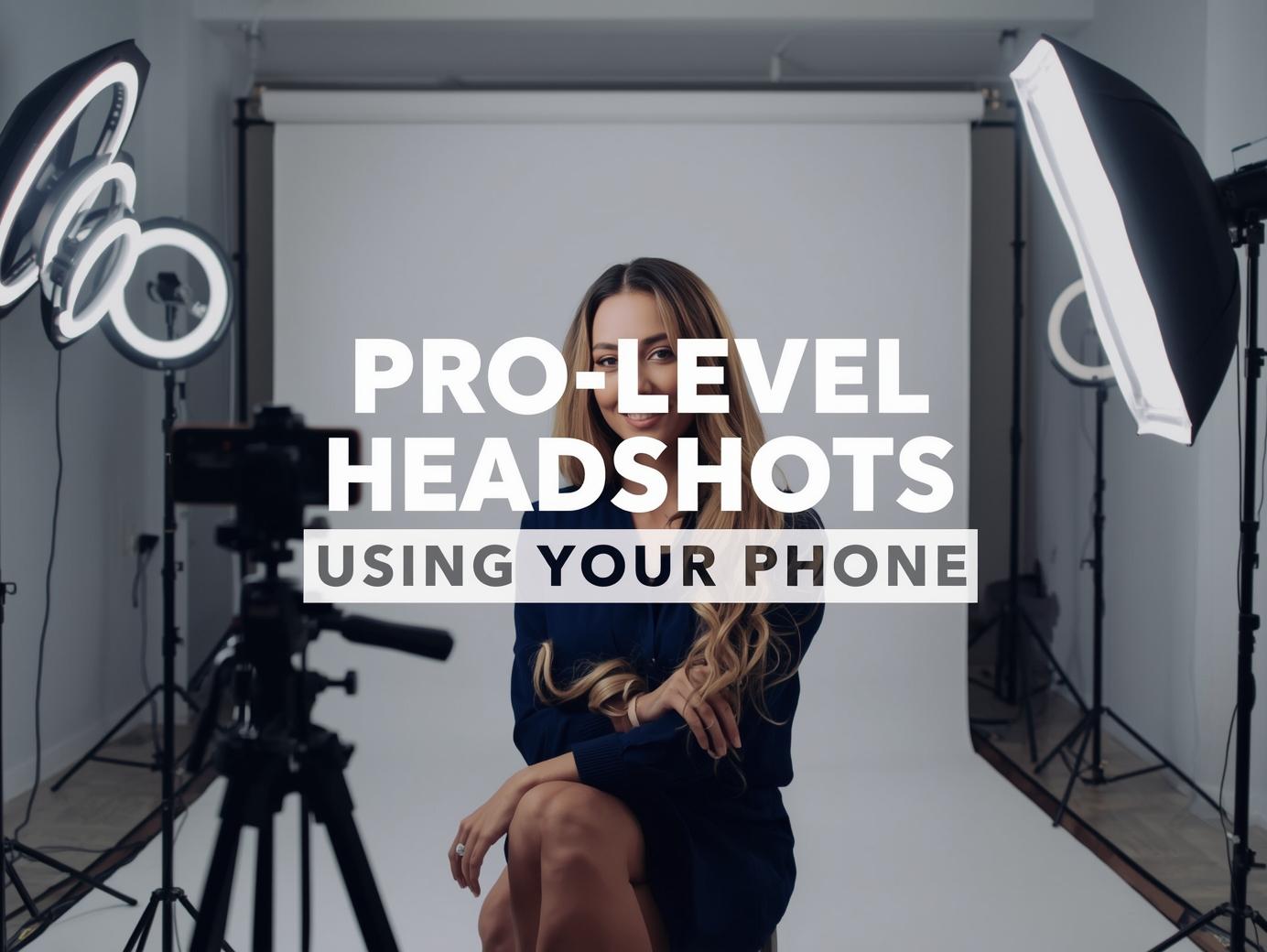
Smartphone cameras have evolved so much that capturing DSLR-level images is no longer a fantasy. With the right portrait photography techniques, lighting tools, and intelligent editing apps, anyone can shoot professional-looking headshots, family photos, and even high-definition landscape shots. Whether you’re using iPhone Night Mode, a phone with rapid shutter capabilities, or a simple mid-range Android, the results you get depend more on technique than hardware.
In this guide, you’ll learn how to take truly high-res images, enhance camera speed, and use creative lighting setups so your photos look polished, cinematic, and ready for printing in an 11×14 frame.
1 Master the Fundamentals of Portrait Photography
Most people assume that better cameras automatically produce better portraits. In reality, composition, angles, and lighting matter far more than expensive equipment.
Key Insight:
Your creative eye and understanding of light will consistently outperform technical specs alone. Start with these foundational principles to see immediate improvement in your photos.
🌤️ Outdoor Photography Tips:
Start with natural light whenever possible. If you're shooting family photos or corporate headshots outdoors, position your subject facing soft light — early morning or late afternoon works best for that beautiful, golden glow.
🏠 Indoor Photography Tips:
Indoor portrait photography also benefits from controlled lighting. Use available light sources like floor lamps, bedside lamps, ceiling lights, or LED lights to create a warm, flattering tone. Position your subject near windows for beautiful natural light even indoors.
2 Use Proper Lighting — Not Just Your Phone Flash
Lighting is the backbone of DSLR-style shots. It can make or break your portrait, transforming an ordinary snapshot into a professional-looking image.
⚠️ Avoid the Phone Flash Trap
Your phone's built-in flash creates harsh, unflattering light that washes out skin tones and creates ugly shadows. It should only be used as an absolute last resort in emergency situations.
💡 Explore These Lighting Tools Instead:
Ring Lights
Perfect for creating soft, even light with a beautiful circular catchlight in the eyes.
Indoor Lighting
Bathroom vanity lights, floor lamps, and bedside lamps can create warm, flattering tones.
Creative Night Lights
Solar lights, string lights, or even a flashlight can create dramatic nighttime portrait effects.
LED Panels
Affordable from lighting stores, these provide adjustable, professional-quality illumination.
🎯 Pro Lighting Tips for Different Scenarios:
- For Landscape Portraits: When shooting with landscape lighting or neon lights in the background, ensure your subject is well-lit from the front to separate them from the background.
- For Professional Headshots: Visit lighting stores for affordable LED panels that create soft, directional light – this alone can drastically improve your portrait quality.
- For Creative Effects: Experiment with unconventional light sources – colored LED strips, candlelight, or even your computer screen can create unique, atmospheric portraits.
Remember: Great lighting doesn't require expensive equipment. Start with what you have – a window, a lamp, or even your smartphone's screen light. The key is understanding direction, quality, and color of light to create portraits that truly stand out.
3 Stabilize with a Tripod
Camera shake ruins sharpness, especially in low light. A tripod gives you tack-sharp results every time.
📸 Why You Need a Tripod
Even the best phones struggle with motion blur in dim lighting. A compact tripod eliminates shake and improves camera speed performance for clear photos in any condition.
Family Photos
Perfect for family photoshoots – ensures everyone gets in the shot with consistent framing.
Low Light
Essential for night photography and long exposures where steady hands aren't enough.
📐 Tripod Options
- Compact Tabletop: Portable for travel
- Flexible Gorilla Pods: Creative angles
- Full-Size: Maximum stability
- Phone Grip Combos: All-in-one
A tripod is the most cost-effective way to improve smartphone photography. It provides stability for professional results in any situation.
4 Night Mode Mastery for Stunning Portrait Photography
Modern smartphones have transformed how we approach portrait photography in challenging light. They've become computational photography powerhouses that can capture stunning portraits in conditions that were nearly impossible before.
🌙 The Night Portrait Revolution
Features like iPhone Night Mode and similar technologies use sophisticated algorithms to transform low-light portrait photography. These systems combine multiple exposures to capture high-definition images with incredible clarity even when natural light is scarce.
Pro Combination: When paired with tripod stabilization, these night modes enable longer exposures that produce professional-looking portrait results, perfect for creative nighttime portrait sessions.
Ambient Light Sensors
These sensors are crucial for modern portrait work. They help your device detect lighting intensity and adjust settings automatically for optimal portrait results, determining when to activate night modes specifically for portrait scenarios.
Computational Portraits
For portrait photography, your phone captures multiple images and blends them together, reducing noise while preserving skin tones and facial details. This approach saves shadow details that would otherwise be lost in traditional low-light portrait shooting.
💡 Pro Tips for Night Portraits
Tripod + Night Mode = Perfect Portraits
For the best night portrait photography, always stabilize your phone. This combination allows longer exposures without motion blur, essential for sharp nighttime portraits where subjects need to remain still.
Creative Backgrounds
When capturing portraits with neon lights or cityscapes as backgrounds, night modes excel at balancing bright lights with your subject's face. This creates dynamic, professional-looking results with atmospheric backgrounds.
Screen Reflection Control
During nighttime portrait sessions, enable dark mode settings on your phone or in apps like Chrome. This prevents your screen from adding distracting reflections to glasses during portrait sessions.
🎭 Special Considerations for Night Portraits
- Subject Positioning: Position subjects where ambient light naturally illuminates their face while maintaining the night atmosphere.
- Focus on Eyes: In low-light portrait photography, tap to focus on the eyes, then lock focus to prevent the camera from hunting when your subject moves slightly.
- Skin Tone Preservation: Night modes can sometimes alter skin tones. Shoot in RAW format when possible to preserve maximum data for accurate portrait color correction in post-processing.
- Atmospheric Portraits: Embrace the grain and mood of nighttime photography. Sometimes a slightly noisier image adds character and atmosphere to your portraits.
Modern smartphone night photography represents the perfect marriage of hardware sensors and intelligent software. By understanding how these features work for portrait photography, you can capture breathtaking portraits in conditions that challenge even dedicated cameras. The key is stabilization, patience with your subjects, and letting the technology work for you.
5 Rapid Shutter & Burst Mode for Movement
Capture perfect moments with moving subjects using burst mode. This feature takes multiple photos in rapid succession, giving you the best chance to get that perfect shot.
⚡ Why Use Burst Mode?
For kids, pets, or candid family photos, rapid shutter settings are essential. Burst mode captures a sequence of high-definition pictures, mimicking DSLR-style continuous shooting so you never miss the moment.
Perfect For:
- Children playing
- Active pets
- Spontaneous moments
- Sports & action
How to Activate:
- iPhone: Hold shutter button
- Android: Hold shutter button
- Look for "burst" in settings
📱 Quick Guide
🎯 Pro Tip: Use burst mode with continuous autofocus for sharp moving subjects
Burst mode transforms action photography. Instead of hoping for one perfect shot, you get multiple options to choose from. This is especially valuable for family and portrait photography where genuine moments happen quickly.
6 Retouch with Professional Editing Tools
Great portrait photography often comes to life in the editing process. Professional retouching enhances your images, corrects imperfections, and adds that final polish that makes portraits stand out.
🎨 The Editing Advantage
After capturing your shots, editing helps enhance colors, remove imperfections, sharpen textures, and produce high-definition photos suitable for printing. This final step transforms good photos into professional portraits.
Adobe Lightroom
The industry standard for photo editing. Perfect for color correction, exposure adjustments, and batch editing multiple portraits.
AI Editing Apps
Smart tools that automatically enhance photos. Great for quick edits, skin smoothing, and intelligent color grading.
Mobile Editors
Convenient phone apps with essential tools: exposure correction, basic retouching, and creative filters.
Desktop Power
For maximum control, desktop editors offer advanced tools for detailed retouching and professional-grade adjustments.
📱 Choose Your Approach
Mobile Editing
Perfect for quick edits on the go. Use picture editing apps with simple tools:
- Exposure correction
- Skin smoothing
- Color grading
- Quick cropping
Desktop Editing
For more control and detailed work. Retouch photos using advanced editors:
- Layer-based editing
- Precise color correction
- Advanced retouching
- High-resolution output
🎯 Essential Editing Steps for Portraits
- Basic Adjustments: Fix exposure, contrast, and white balance
- Color Enhancement: Make colors pop while keeping skin tones natural
- Skin Retouching: Smooth minor imperfections without losing texture
- Sharpening: Enhance details, especially in eyes and hair
- Final Polish: Add vignettes, grain, or creative effects
Editing is where your creative vision comes together. Start with basic adjustments and gradually learn more advanced techniques. Remember: The best edits enhance your photo without making it look artificial. For portrait photography, natural-looking results that preserve personality are always the goal.
7 Display Your Best Work with Quality Frames
Your portrait photography deserves to be seen in its best light. Once your high-resolution photos are ready, proper framing completes the presentation.
Acrylic Photo Frames
Modern and sleek, acrylic frames add a contemporary feel to portraits. They're lightweight and offer excellent clarity for your images.
11x14 Frames
The classic choice for portraits. This versatile size works well for both personal photos and professional displays.
💡 Print Quality Matters
High definition images look stunning when printed properly. Use quality photo paper and professional printing services for the best results.
👔 Professional Applications
For corporate portraits or business headshots, framed prints add a professional touch to offices and reception areas. They make lasting impressions on clients and colleagues.
Framing transforms digital files into tangible art. It's the final step that honors your portrait photography work and allows it to be appreciated in physical form.
Conclusion
📱 With consistency, you'll produce high-definition pictures that rival professional portrait studios — all using the phone in your hand.